Find Difference 2024
📂 Game Profile
- Title: Find Difference 2024
- Genre: Puzzle / Visual Observation / Casual
- Platform: HTML5 (PC & Mobile Browsers)
- Target Audience: All ages, Detail-oriented people, Photography lovers
- Core Experience: HD Visuals, Focus Training, Mindfulness
📜 Description
Find Difference 2024 is the latest annual update to the classic "Spot the Difference" genre. The standout feature of this version is the leap in image quality. It features a curated library of high-resolution photography and artistic illustrations, covering themes like landscapes, gourmet food, animals, and interior design.
The interface is modernized and clean, removing unnecessary clutter to let players fully immerse themselves in the hunt. It feels less like a stressful test and more like browsing an interactive photography portfolio.
🔍 Gameplay Mechanics
Classic rules with modern optimizations:
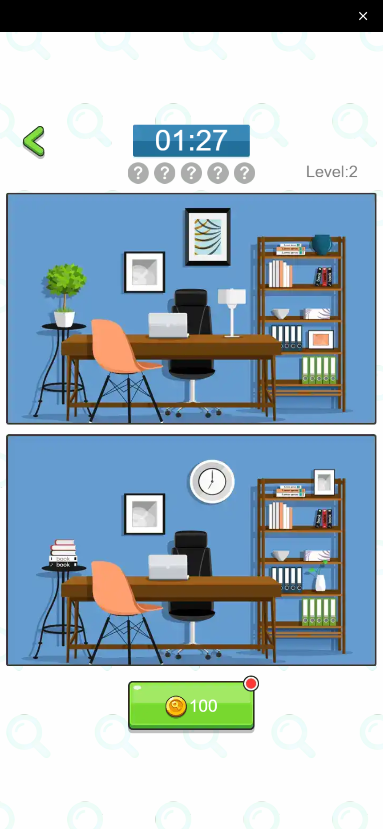
- Compare & Spot: Two identical-looking images are displayed. You must identify the discrepancies between them.
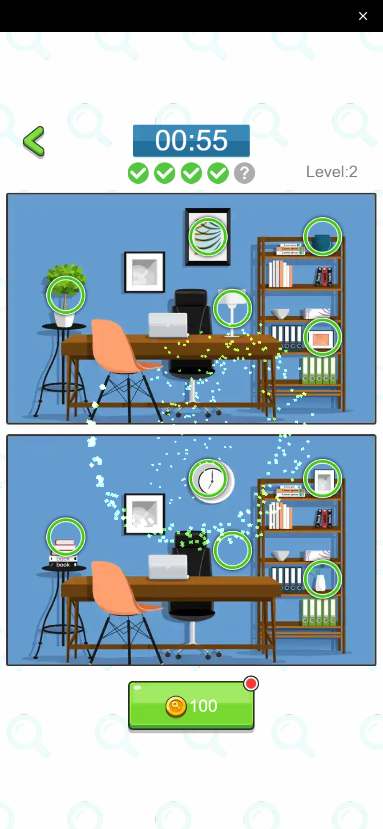
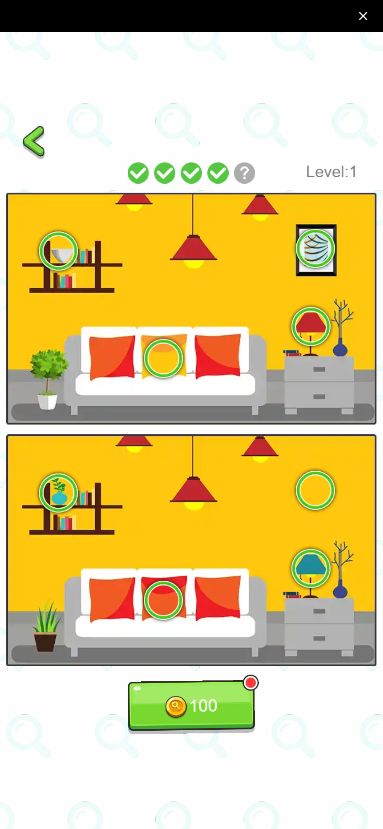
- Subtle Changes: Each level typically hides 5-10 differences. These can be color shifts, missing objects, or altered textures.
- Zoom Function: Optimized for mobile screens, it usually supports pinch-to-zoom, allowing you to inspect pixel-level details.
- Mistake Penalty: Tapping correctly circles the difference; tapping incorrectly costs you a life or reduces your time.
- Star Rating: Performance is graded from 1 to 3 stars based on speed and accuracy.
💡 Strategy Guide
How to conquer high-def puzzles?
- Macro then Micro: Don't start by staring at leaf veins. Scan the overall composition and large color blocks first. The biggest differences (e.g., a missing chair, an extra cloud) are often spotted this way.
- Soft Focus: Hold the screen slightly further away. Instead of staring at one point, use your peripheral vision to look at both images simultaneously. Sometimes a "relaxed gaze" spots the anomaly faster than intense focus.
- Zoom In: On mobile, tiny differences (like text on a book or a bird in the distance) are invisible at default zoom. If you are stuck, zoom in and scan section by section.
- Check the Edges: Puzzle designers love to hide changes in the four corners of the image or along the outlines of objects. Tracing the border of the image with your eyes often yields results.
Leave a comment
Log in with itch.io to leave a comment.